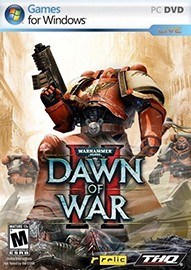
- 中文名称:战锤40K:战争黎明2
- 发布日期:2009-02-27
- 更新日期:--
- 文件大小:1.0M
- 游戏语言:
- 英文名称:Warhammer 40,000: Dawn of War II - Anniversary Edition
- 游戏制作:Relic Entertainment,Feral Interactive (Mac/Linux)
- 游戏发行:SEGA,Feral Interactive (Mac/Linux)
- 上市时间:2009-02-27
说明:
使用方法:
Place the cope_Corpse.sga in "Steam\steamapps\common\dawn of war ii \GameAssets\Archives"
把cope_Corpse.sga放到 "安装目录\GameAssets\Archives”文件夹
Then go to "Steam\steamapps\common\dawn of war ii" and make a back-up of the file "DOW2.module" and name it "DOW2.module.bak" (names without the BAK at the end may result in problems!!!). Then open the original "Dow2.module" with notepad. You'll see this somewhere at the top of the file:
把游戏根目录中的 "DOW2.module" 备份,用文本文档打开这个文件,你会看到如下内容:
[attrib:common]
folder.01 = GameAssets\Data
archive.01 = GameAssets\Archives\GameAttrib.sga
把它改为如下内容:
[attrib:common]
folder.01 = GameAssets\Data
archive.01 = GameAssets\Archives\cope_Corpse.sga
archive.02 = GameAssets\Archives\GameAttrib.sga
保存 退出 ok了~
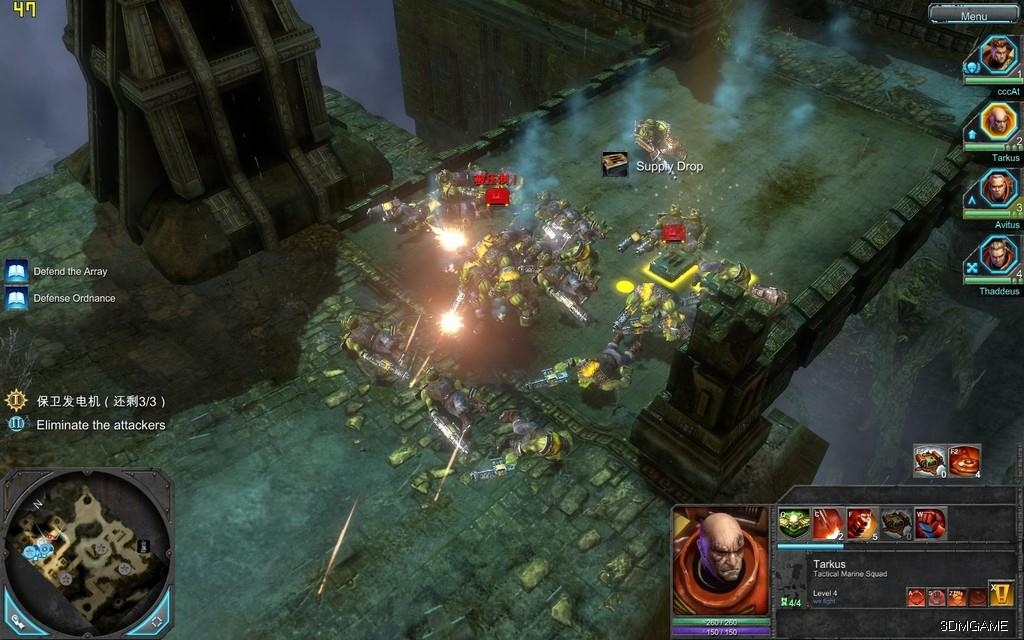
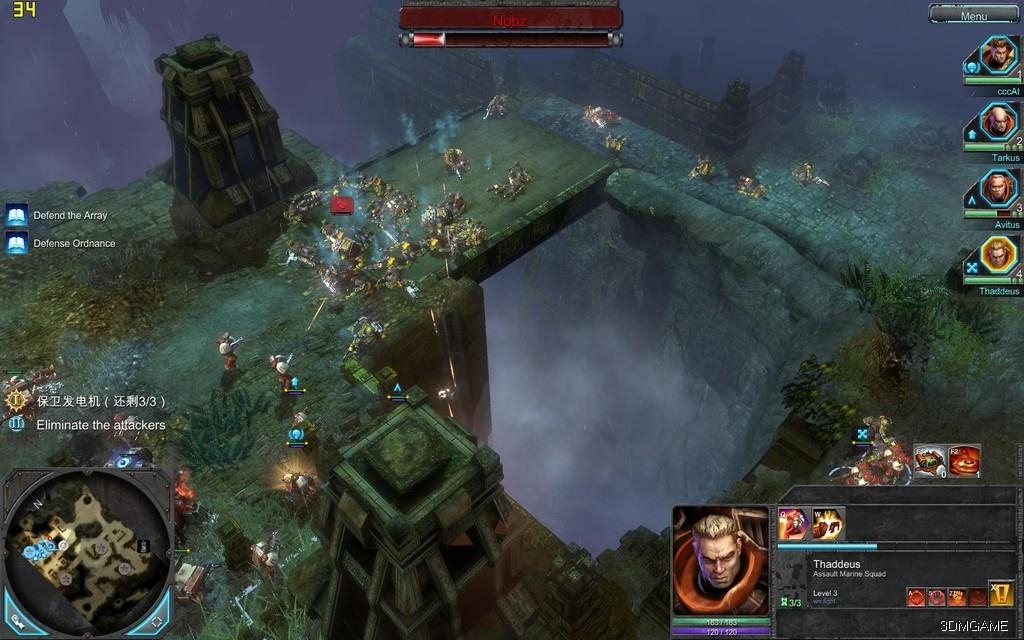
作者:copernicus 来源:3DMGAME
PC游戏运行指南、常见问题百科 | 缺少dll文件/配置不正确等错误解决方法











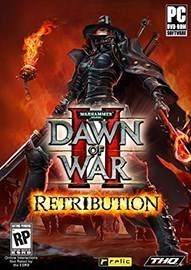 战锤40K战争黎明2惩罚
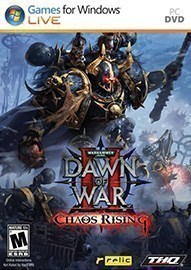 战锤40K混沌崛起
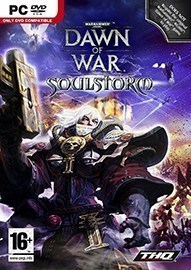 战锤40K灵魂风暴
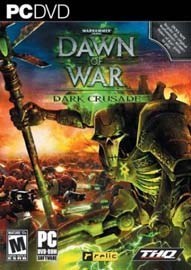 战锤40K黑暗十字军
 战锤40K:战争黎明
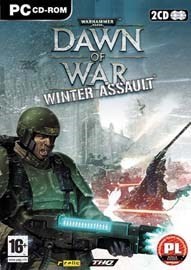 战锤40K冬季攻势

- 《黑夜刀锋:幸存者》官方中文版下载
- 《零号样本:清醒阈》官方中文版下载
- 《典当星球》官方中文版下载
- 《小兔子》官方中文版下载
- 《Ecopunk》官方正版下载
- 《四十九把钥匙》官方中文版下载
- 《DON'T SCREAM TOGETHER》官方中文版下载
- 《Death Delivery》官方中文版下载
-
 处男女朋友是诈骗 就是爱看美女的囧图
 明年夏天?爆料人称《影之刃零》发售日是最热的时候
-
 《生化9》豪华版新内容泄露!剧情DLC、还有萝丝玛丽
 Epic喜加一大的来了?!官方低调回应 网友热议
-
 《时代》杂志揭晓今年十大最佳游戏!第一名实至名归
 索尼新版PS5噪音改进明显!安静到怀疑没开机