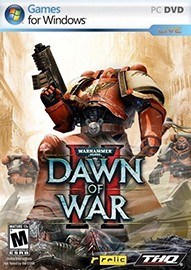
- 中文名称:战锤40K:战争黎明2
- 发布日期:2009-02-27
- 更新日期:--
- 文件大小:1.0M
- 游戏语言:
- 英文名称:Warhammer 40,000: Dawn of War II - Anniversary Edition
- 游戏制作:Relic Entertainment,Feral Interactive (Mac/Linux)
- 游戏发行:SEGA,Feral Interactive (Mac/Linux)
- 上市时间:2009-02-27
说明:
使用方法:
Place the cope_Corpse.sga in "Steam\steamapps\common\dawn of war ii \GameAssets\Archives"
把cope_Corpse.sga放到 "安装目录\GameAssets\Archives”文件夹
Then go to "Steam\steamapps\common\dawn of war ii" and make a back-up of the file "DOW2.module" and name it "DOW2.module.bak" (names without the BAK at the end may result in problems!!!). Then open the original "Dow2.module" with notepad. You'll see this somewhere at the top of the file:
把游戏根目录中的 "DOW2.module" 备份,用文本文档打开这个文件,你会看到如下内容:
[attrib:common]
folder.01 = GameAssets\Data
archive.01 = GameAssets\Archives\GameAttrib.sga
把它改为如下内容:
[attrib:common]
folder.01 = GameAssets\Data
archive.01 = GameAssets\Archives\cope_Corpse.sga
archive.02 = GameAssets\Archives\GameAttrib.sga
保存 退出 ok了~
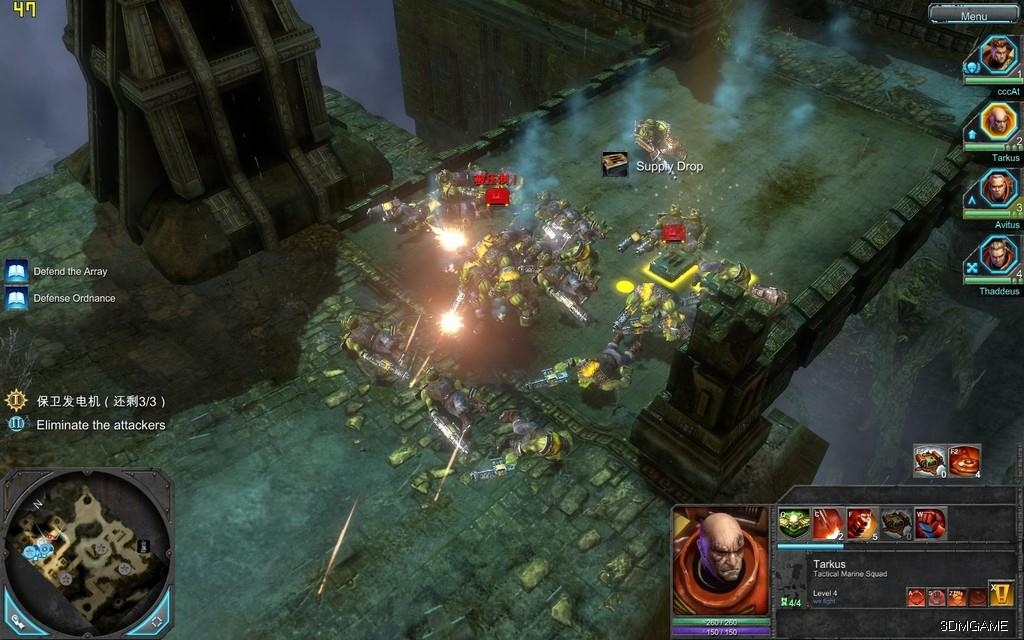
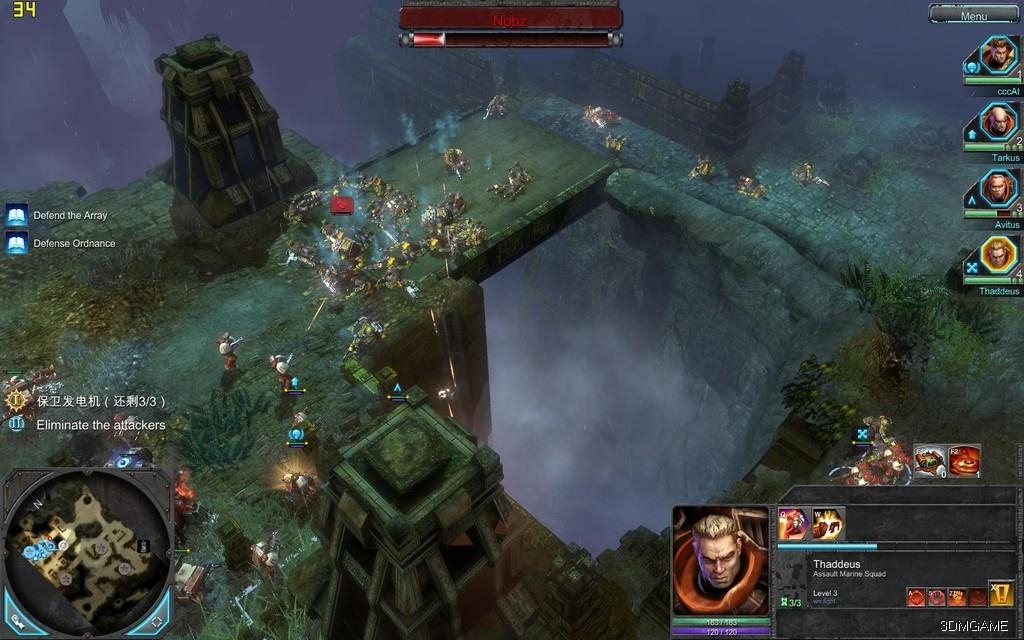
作者:copernicus 来源:3DMGAME
PC游戏运行指南、常见问题百科 | 缺少dll文件/配置不正确等错误解决方法












 战锤40K战争黎明2惩罚
 战锤40K混沌崛起
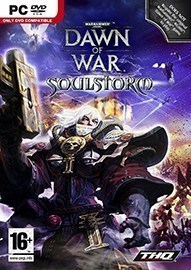 战锤40K灵魂风暴
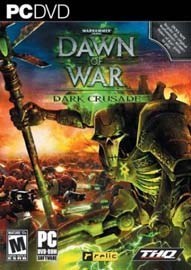 战锤40K黑暗十字军
 战锤40K:战争黎明
 战锤40K冬季攻势

 漂亮的女孩没人要?香奈儿泳装不能泡水的囧图
 死或生6新性感女角实机 比基尼|黑丝|旗袍多衣可穿
 《魔兽世界》要登主机平台?现已支持手柄游玩
 《时之笛RE》世界地图曝光!布局相似但有新细节
 《暗黑破坏神5》全新职业瘟疫骑士 猎魔人和武僧回归
 《暗黑破坏神5》正式公布!预告首曝 定档2029